H1 Tag SEO: Put the Keyword in the Headline
H1 tag SEO is one move: get your target keyword into the H1, not a bare slogan. The B2B SaaS mistake, the hybrid-headline fix, and how to audit yours.
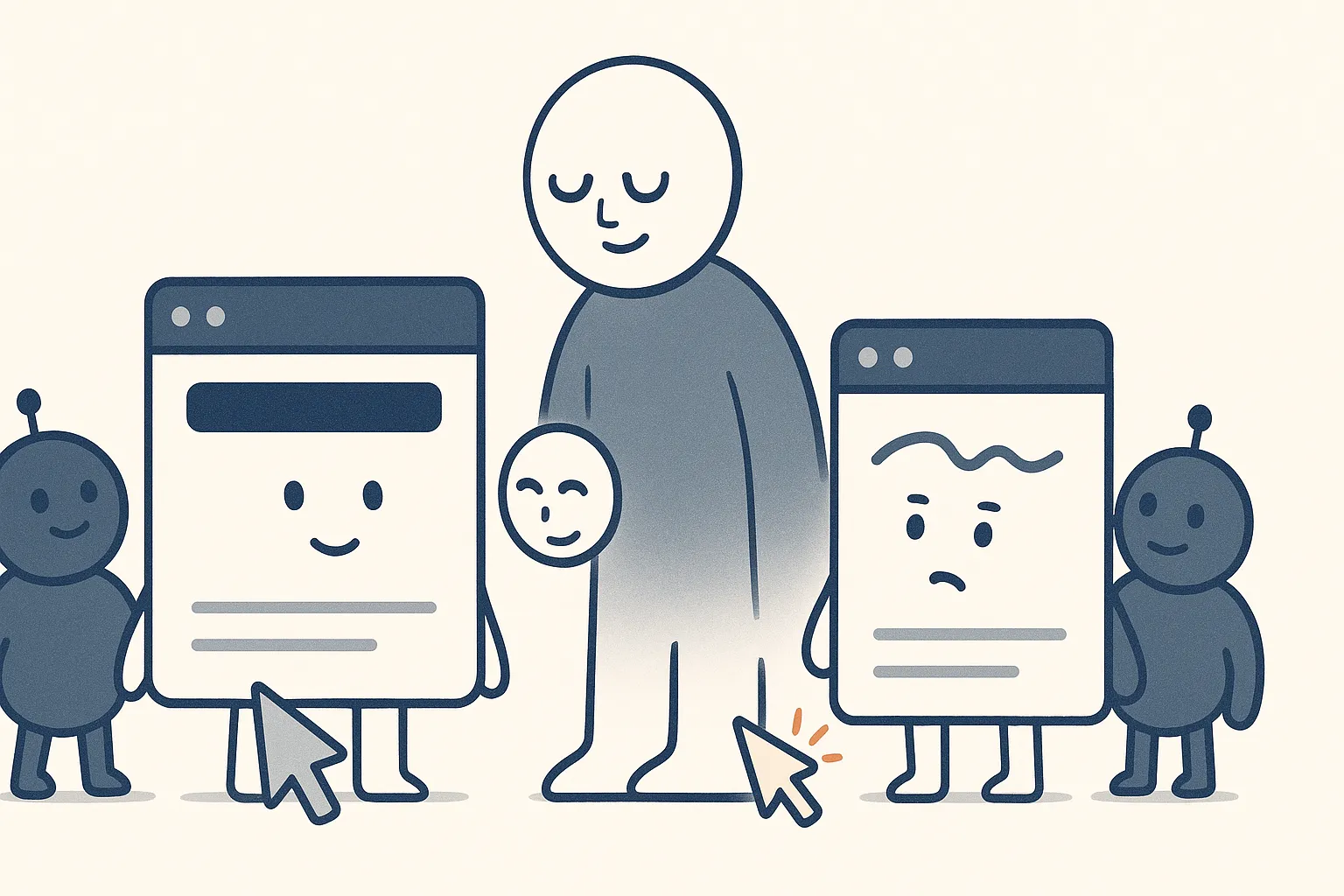
H1 tag SEO in one move: lead with the target keyword
The single highest-leverage on-page change most B2B SaaS pages can make is to put the target keyword in the H1. The H1 is the main headline of a page, the one big title at the top, and it is the strongest on-page signal Google and AI models use to decide what the page is about. If your keyword is not in it, you are making them guess.
Most best-practice guides stop at “include your keyword in the H1.” The real problem I see on client sites is more specific and more fixable: the H1 is a slogan, and the keyword is nowhere in any heading at all. That is the move to fix, and fixing it is often the fastest ranking win on the page.
Your H1 is you telling Google what the page is. A clever tagline tells it nothing, so it ranks the page for nothing.
H1 tag vs title tag: related jobs, different places
These get confused constantly, so clear it up first. The title tag is the clickable blue headline in the search results and the browser tab; it lives in the page’s HTML head and is written for the SERP. The H1 is the visible headline on the page itself, written for the person who landed. They are not the same element, and one does not set the other.
The biggest practical difference is what each one optimizes for. The title tag is your pitch in the search results, so you write it to win the click; it is a click-through-rate play as much as a relevance one. The H1 is not fighting for a click at all, because the visitor is already on the page, so its only job is to confirm the topic clearly for the reader and the model. Both should still carry your target keyword, since they answer the same question, “what is this page about,” but the title also has to sell, while the H1 just has to be clear. I cover the SERP side in title tags and meta descriptions; this piece is the on-page side. Get them aligned and you reinforce the same signal twice; let them drift and you split it.
The B2B SaaS mistake: a clever H1 that names no keyword
Here is the pattern, and once you see it you will find it all over your own site. A product or platform page is built to rank for “project management software,” but its H1 reads something like “Everything Your Team Needs, In One Place.” Nice line. It also contains none of the words a buyer typed, and a scan of the page finds the target keyword in no heading anywhere. Marketing wrote for the brand; nobody wrote for the query.
That page is competing with one hand tied behind its back, because it has thrown away its single strongest on-page relevance signal in exchange for a slogan. A page that hides its keyword from its own headline is asking Google to rank it for a term it never clearly claims.
This is not theoretical. On a legal SaaS account I run, we reworked the headers and URLs across 29 core platform pages, mapping each one to its actual target keyword and getting that keyword into the H1. Visibility lifted across the whole platform set. The single biggest source of the gain was not clever: a large share of those pages simply had the keyword in no header at all, so putting it in the H1 was the difference between claiming the term and ignoring it. On an observability account, the same eyebrow-to-H1 keyword remap was the number-one on-page priority for exactly this reason.
Write a hybrid H1 that includes the keyword, not one that replaces it
The pushback is always the same, and it is fair: “our positioning line matters, we are not deleting it for a dry keyword.” You do not have to, and you should not. The goal was never to strip the H1 down to a bare keyword. It is to get the keyword into the H1, woven into a headline that still reads like a person wrote it.
So a money page does not swing from a slogan to two bare words. It goes to a hybrid headline that carries both, and the same pattern holds across page types:
| Page type | Weak H1 (no keyword) | Strong H1 (keyword + benefit) |
|---|---|---|
| Category / platform | Everything Your Team Needs, In One Place | Project Management Software in One Organized Workspace |
| Comparison | The Honest Comparison | Asana vs Monday: An Honest Comparison |
| Pricing | Simple, Fair Pricing | Expense Management Software Pricing, Explained |
| Blog / resource | Getting Paid Faster | How to Automate Invoicing: A Freelancer’s Guide |
Same length, same human benefit, but now the keyword is unmistakable in the single most important heading on the page. Keyword up front so the relevance is clear, outcome attached so it still sounds like it was written for a buyer. That is the pattern to reach for on every money page: include the keyword, keep the positioning, in one line.
On blogs and secondary pages, stop guarding your tone of voice
Here is the harder truth, and it matters most on blogs and non-core pages. On your homepage and top platform pages, brand voice earns its keep, so fight for it there. Everywhere else, teams pour absurd energy into making sure every header and subheader lands the company’s tone, and most of that effort goes into a void. Be honest about who reads a blog post in 2026. Increasingly, no human does. It gets synthesized by an AI Overview or an LLM and handed back as a summary, and the second that happens, your carefully-toned headline is gone, rewritten in the model’s words. What survives the synthesis is not your voice, it is whether the machine could tell what your page was about. So on a blog, spend your headers on clarity and the keyword, and save the voice battles for the core pages where a human is actually reading. A perfectly on-brand H1 that a model cannot parse is a headline optimized for a reader who never showed up.
H1 vs H2 vs H3: how the hierarchy should actually work
Headings are an outline, not decoration, and search engines read them as one. The structure is simple:
- H1: one per page, the main topic, carrying the target keyword.
- H2: the major sections, each answering a distinct sub-question a buyer or the search fan-out would ask.
- H3: sub-points inside an H2, and individual FAQ questions.
Choose each level by where it sits in the outline, never by how big or small it looks. If you want a heading to render larger or smaller, change its styling with CSS; do not change its heading level to get a font size. “Which is bigger, H1 or H2” is the wrong question, because heading level is about structure and importance, not appearance: an H1 is the top of the outline no matter what size you display it at. The hierarchy is how models chunk a page into passages they can quote, so a clean outline is also an AI-visibility asset, the same logic behind good internal linking.
How many H1 tags should a page have
One. A page has a single main topic, so it gets a single H1, and everything else is H2 or lower. Modern HTML technically lets you have multiple H1s inside different sections, but for SEO clarity, stick to one, because the moment a page has two competing “main topics” you have blurred the exact signal the H1 exists to send. If you feel like you need two H1s, you probably have two pages.
Why your H1 matters for AI answers, not just rankings
The H1 does a second job now: it helps AI engines identify what a page is and whether to pull from it. When a model reads your page, the H1 is the clearest label for the entity and topic, and a keyword-accurate H1 makes the page easy to classify, match to a query, and quote. A page headed with a vague slogan is harder for a model to place, so it is easier to skip. Definition-first, keyword-accurate headings are part of what earns the ranking factors that get you cited in AI answers. The H1 you write for Google is increasingly the H1 you write for ChatGPT too.
How to audit and fix your H1 tags
A fast pass you can run today:
- List each page and its one target keyword. If a page has no clear target keyword, that is a strategy problem to fix first, from your keyword research.
- Check whether the keyword is in the H1. Crawl the site or spot-check by eye. Flag every page whose H1 is a slogan with the keyword missing.
- Confirm there is exactly one H1 per page. Fix pages with zero or multiple.
- Check for duplicate H1s across pages. If two pages share the same H1, they are claiming the same term and competing with each other, so you are wasting the signal and probably cannibalizing your own rankings. Give each page a distinct, keyword-accurate H1, or consolidate the pages.
- Rewrite the H1 to include the keyword, folding it into a hybrid headline with the benefit (keyword plus outcome) rather than a slogan alone.
- Align the title tag so it carries the same keyword, then recheck the H2/H3 outline covers the page’s sub-questions in order.
Do this across your money pages first, the platform, product, and comparison pages built to convert, and you will usually find several claiming their keyword nowhere in a heading. Those are the fastest wins on the list.
FAQ
What are H1, H2, and H3 tags for SEO?
They are HTML heading tags that structure a page as an outline. The H1 is the single main headline and should carry the target keyword; H2s are the major sections, each answering a distinct sub-question; H3s are sub-points within a section and individual FAQ questions. Search engines and AI models read this hierarchy to understand what a page covers and to break it into passages they can rank and quote.
What are H1 and H2 tags?
The H1 is a page’s main headline, the one top-level title that states what the page is about, and there should be only one. H2 tags are the section headings beneath it that break the page into its major parts. In SEO terms, the H1 carries the primary keyword and the H2s carry the sub-topics and related questions the page needs to answer.
When should you use H1, H2, H3, H4, H5, and H6?
Use them as a nested outline, top down. One H1 for the page topic, H2s for major sections, H3s for sub-points inside those sections, and H4 to H6 only when you genuinely need deeper nesting, which most marketing pages do not. Never skip a level for visual size; control appearance with CSS and keep the heading levels reflecting the actual structure.
Which is bigger, H1 or H2?
By default an H1 renders larger than an H2, but that is a styling default, not the point. Semantically the H1 is the more important heading regardless of font size, because it names the page’s main topic. You can restyle any heading with CSS; what matters for SEO is that the H1 is the single top-level heading and it carries the keyword.
Is the H1 the same as the title tag?
No. The title tag is the clickable headline in the search results and the browser tab, written for the SERP and living in the HTML head. The H1 is the visible headline on the page itself, written for the visitor. They are different elements doing different jobs, and setting one does not set the other. Both should include your target keyword.
How many H1 tags should a page have?
One. A page has a single main topic, so it should have a single H1, with everything else as H2 or lower. HTML5 technically permits multiple H1s in sectioned content, but for SEO clarity keep it to one, because a second H1 dilutes the exact “this is what the page is about” signal the H1 exists to send.
Does the H1 have to match the keyword exactly?
Lead with the keyword, but it does not have to be a rigid exact match. A natural H1 that contains the target keyword and reads like a human wrote it beats an awkward exact-match string. The hybrid pattern (keyword plus the buyer outcome) is usually the best of both: the keyword is unmistakable and the line still sounds like it was written for a person.